
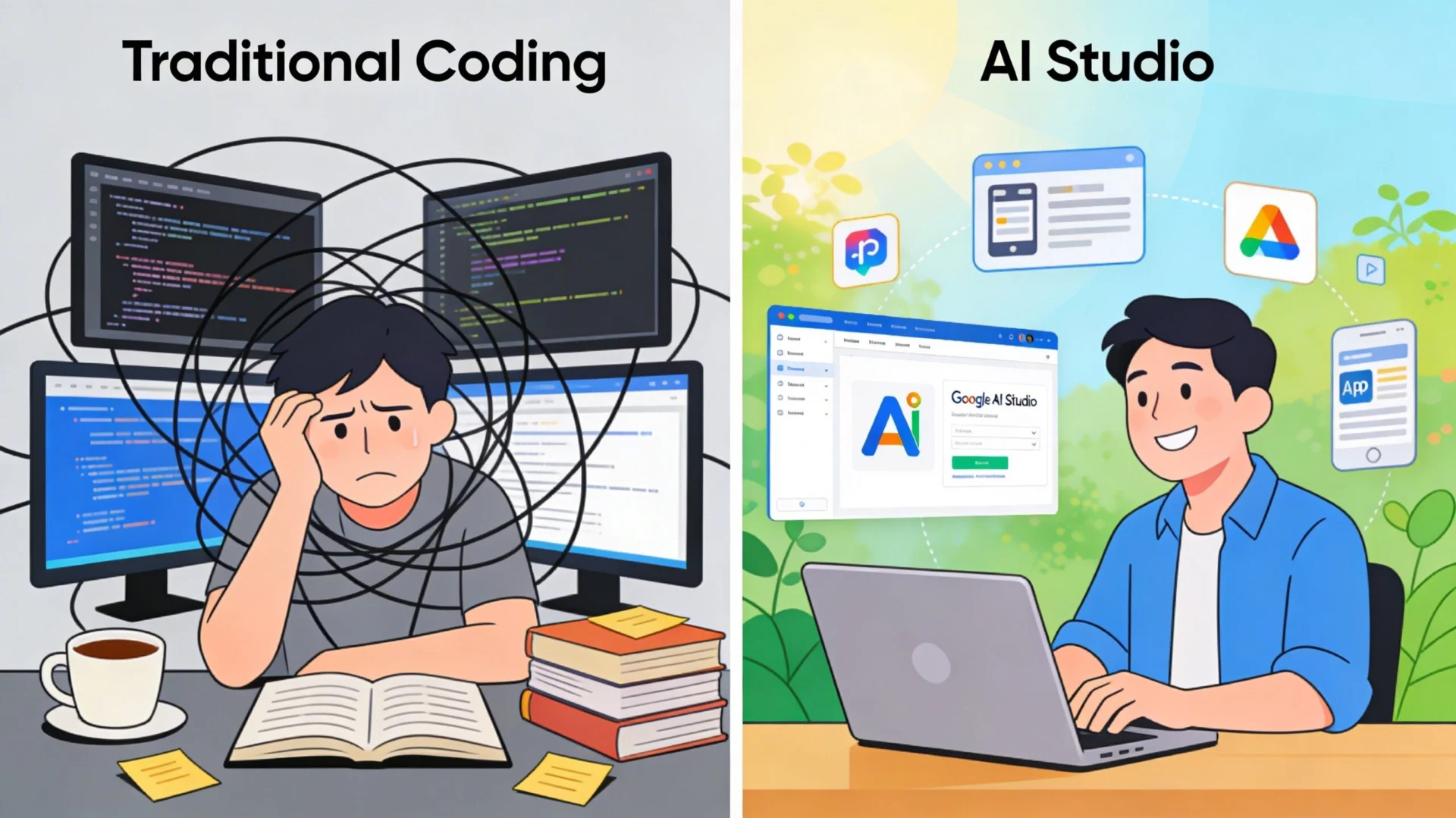
Google AI Studio vs Traditional Coding — this is one of the biggest debates in tech for 2026. Whether you’re a developer, entrepreneur, or content creator, choosing the right tool can make or break your project. In this comprehensive guide, we compare Google AI Studio vs Traditional Coding across speed, cost, customization, and real-world use cases to help you make the smartest choice.
Table of Contents
- What Is Google AI Studio?
- What Is Traditional Coding?
- Google AI Studio vs Traditional Coding: Key Differences
- When Should You Use Google AI Studio?
- When Should You Use Traditional Coding?
- The Hybrid Approach
- Pros and Cons
- Real-World Use Cases
- Final Verdict
- Frequently Asked Questions
What Is Google AI Studio?
Google AI Studio is a browser-based platform developed by Google that allows users to build, test, and deploy AI-powered applications using Google’s Gemini models — without requiring deep programming knowledge. It’s designed to make AI development accessible to a wider audience, including non-technical users and rapid prototypers.
Key features of Google AI Studio include:
- Access to Gemini 2.5 Pro and other cutting-edge models
- No-code and low-code interface for building AI applications
- Built-in prompt engineering tools
- Seamless integration with Google Cloud, Firebase, and Google Drive
- Free tier with generous usage limits
- Built-in safety and responsible AI checks
What Is Traditional Coding?
Traditional coding refers to the classic method of software development where developers write explicit instructions in programming languages such as Python, JavaScript, Java, PHP, or C++. Every function, condition, and output is manually defined by the developer.
Traditional coding excels at:
- Creating precise, deterministic applications
- Building complex, large-scale software systems
- Fine-grained control over performance and security
- Handling tasks with clear, rule-based logic
- Long-term maintainability and scalability
Google AI Studio vs Traditional Coding: Key Differences
Understanding the core differences between Google AI Studio vs Traditional Coding is crucial for making the right decision for your project in 2026.
1. Speed of Development
Google AI Studio wins hands-down when it comes to speed. You can go from idea to working prototype in minutes. Simply describe what you want in natural language, and the platform generates functional AI-powered apps on the fly.
Traditional coding requires writing, testing, and debugging code — a process that can take hours, days, or even weeks depending on complexity. However, the result is usually more robust and customizable.
2. Learning Curve
Google AI Studio is designed for accessibility. Even someone without a programming background can use it to create useful AI applications. The visual interface and prompt-based workflow lower the barrier to entry significantly.
Traditional coding has a steeper learning curve. Mastering a language like Python or JavaScript takes months or years of dedicated study and practice. That said, the skills you gain are transferable and powerful.
3. Customization and Control
If you need deep customization — precise algorithms, custom data pipelines, or highly specific business logic — traditional coding gives you complete control. You can optimize every line of code for performance, security, and scalability.
Google AI Studio, while powerful, has limitations in customization. Advanced users may find it restrictive compared to frameworks like LangChain, Hugging Face, or custom-built ML pipelines.
4. Cost
Google AI Studio offers a generous free tier that’s sufficient for most individual developers and small projects. Scaling up with Google Cloud services does incur costs, but the pay-as-you-go model keeps expenses manageable.
Traditional coding costs are primarily your time (or a developer’s salary/hourly rate). Infrastructure costs depend on where you host your application.
5. Maintenance
AI-generated apps from Google AI Studio depend on Google’s infrastructure, model updates, and API availability. Changes to the underlying models can affect your application’s behavior unexpectedly.
Traditionally coded applications are self-contained — you control updates, dependencies, and infrastructure. This makes maintenance more predictable, even if more labor-intensive.

When Should You Use Google AI Studio?
When comparing Google AI Studio vs Traditional Coding, Google AI Studio is the ideal choice when:
- You need to rapidly prototype an AI-powered product
- You’re a non-developer or beginner wanting to build AI apps
- Your project involves natural language processing, summarization, or chatbots
- You want to integrate AI features into existing Google products
- You need a working demo quickly for stakeholders or investors
- Your budget is limited and you want to leverage free AI models
When Should You Use Traditional Coding?
Traditional coding is the better choice when:
- You need full control over your application’s logic and performance
- You’re building enterprise-level software with strict security requirements
- Your project requires custom algorithms not supported by AI tools
- You need offline functionality without dependency on external APIs
- Long-term maintainability and scalability are priorities
- You’re building something that requires integration with legacy systems
The Hybrid Approach: Best of Both Worlds
In 2026, the smartest developers aren’t choosing between Google AI Studio vs Traditional Coding — they’re combining both. Here’s how a hybrid workflow looks in practice:
- Design and architecture — Use your programming knowledge to map out the system structure
- Rapid prototyping — Use Google AI Studio to quickly build and test AI-powered features
- Custom development — Write traditional code for the business logic, security, and performance-critical components
- AI integration — Call the Gemini API from your traditionally coded application for AI features
- Review and optimize — Apply developer expertise to verify AI-generated components before production
For more on AI tools you can use alongside coding, check out our Perplexity AI Pro Review — another powerful AI platform for developers and creators.
Google AI Studio vs Traditional Coding: Pros and Cons
Google AI Studio Pros:
- Extremely fast prototyping
- No coding experience required
- Free access to powerful Gemini models
- Built-in responsible AI safeguards
- Deep Google ecosystem integration
Google AI Studio Cons:
- Limited customization for advanced use cases
- Dependent on Google’s infrastructure and API availability
- Less suitable for complex, rule-based systems
- Potential data privacy concerns with cloud-based processing
Traditional Coding Pros:
- Complete control over every aspect of the application
- No dependency on third-party AI services
- Better suited for complex, deterministic systems
- Superior long-term scalability and maintainability
- Stronger data privacy and security options
Traditional Coding Cons:
- Slower development speed
- Requires significant technical expertise
- Higher upfront time and cost investment
- More time spent on boilerplate and repetitive code
Real-World Use Cases
Use Case 1: Building a Customer Support Chatbot
Best tool: Google AI Studio. You can prompt Gemini to act as a customer service agent, define its personality and knowledge base, and have a working chatbot in under an hour — no coding required. This is where Google AI Studio vs Traditional Coding becomes very clear: AI Studio wins on speed.
Use Case 2: Developing an E-Commerce Platform
Best tool: Traditional Coding. A full-featured online store requires custom payment processing, inventory management, user authentication, and database management — all of which demand precise, hand-written code.
Use Case 3: Creating AI-Powered Content Summaries
Best tool: Hybrid approach. Use traditional PHP or JavaScript to build the website and content management system, then call the Gemini API (built with Google AI Studio) to generate summaries of articles on the fly.
Also read our guide on AI Revolution in the Workplace to understand how these tools are reshaping careers in 2026.
Final Verdict: Google AI Studio vs Traditional Coding
There is no universal winner in the Google AI Studio vs Traditional Coding debate. The best tool depends entirely on your goals, timeline, technical skill, and project requirements.
Here’s a quick decision framework:
- Choose Google AI Studio if you want speed, simplicity, and AI-powered features without deep technical expertise
- Choose Traditional Coding if you need full control, custom logic, and enterprise-grade reliability
- Choose the Hybrid Approach if you want the best of both worlds — and most experienced developers do
As AI tools continue to evolve in 2026 and beyond, the lines between these approaches will keep blurring. The developers who thrive will be those who master both — knowing when to let AI do the heavy lifting and when to roll up their sleeves and write precise, purposeful code.
Frequently Asked Questions
Is Google AI Studio free to use?
Yes, Google AI Studio offers a free tier that provides access to Gemini models with generous usage limits. Paid plans and Google Cloud AI integration are available for higher usage needs.
Do I need to know how to code to use Google AI Studio?
No. Google AI Studio is designed to be accessible to non-developers. You can build AI applications using natural language prompts without writing a single line of code.
Can Google AI Studio replace traditional coding?
Not entirely. When choosing between Google AI Studio vs Traditional Coding, keep in mind that AI Studio is excellent for AI-powered applications and rapid prototyping, but complex, large-scale systems still require traditional programming expertise for reliability and control.
What programming languages does Google AI Studio support?
Google AI Studio supports multiple output formats and integrates with the Gemini API, which has SDKs for Python, JavaScript, Go, and more — making it easy to embed AI Studio-powered features into traditionally coded projects. Learn more at the official Google AI developer site.