

Hostinger AI Website Builder Review 2026: Features, Pricing & Is It Worth It?

Hostinger AI Website Builder: A Simple Way to Launch a Website
Building a website used to be hard. You needed to learn code, hire a designer, or spend days trying to make things look right. Today, AI tools can do most of that work for you and make the whole process much easier.
Hostinger AI Website Builder is made for people who want a fast, simple way to get online. It uses artificial intelligence to design pages, write text, and set up a full website in minutes. You do not need any tech skills to start, and you do not have to worry about hosting or extra software.Hostinger AI Website Builde
Hostinger AI Website Builde
SEO and content best practices
This review will walk you through what Hostinger AI Website Builder can do, how easy it is to use, the real costs in 2026, and the type of person who will get the most value from it. You will see its strengths, its limits, and how it compares to more complex options. By the end, you will know if this tool is the right choice for your next site and how to get the most out of it.
Quick Verdict & Who It’s For
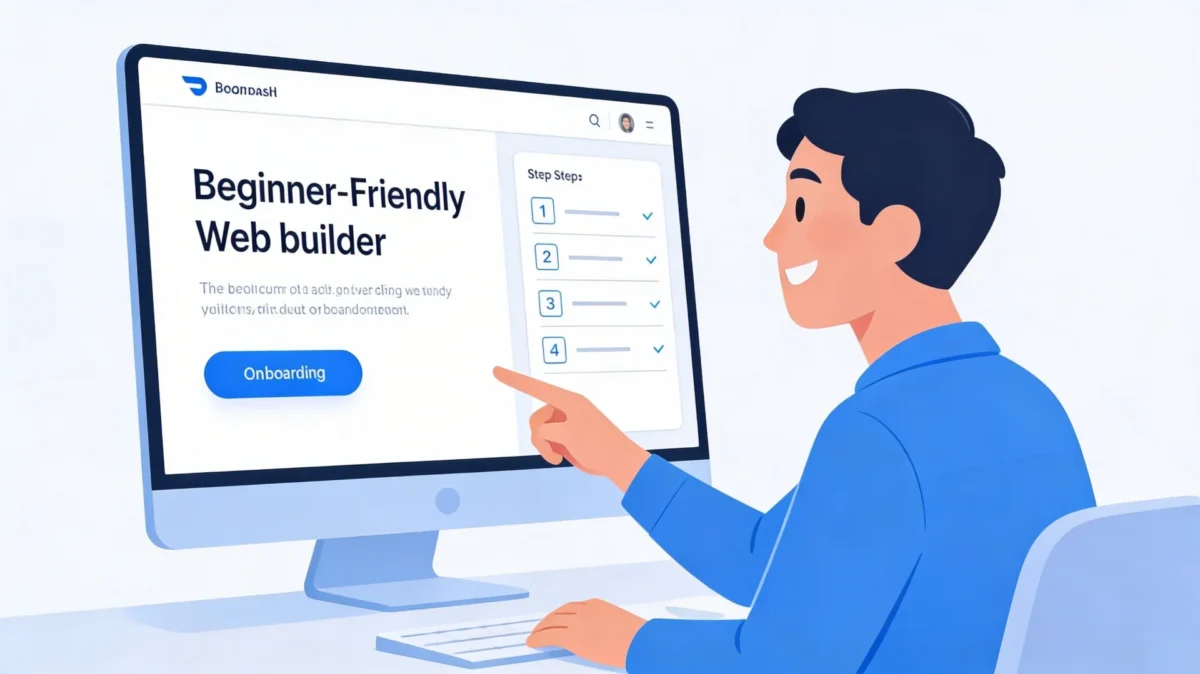

If you want a simple, good-looking website fast, Hostinger AI Website Builder is a strong pick. It is especially helpful if you are a small business owner, freelancer, creator, or beginner who just wants to get online and start selling or booking clients without fighting with code.
The biggest wins are speed, low starting price, and ease of use. You can go from idea to live site in one afternoon, instead of waiting weeks. The builder also includes hosting, a free domain for the first year on many plans, SSL, and Perplexity AI Pro Review 2026: The Best AI Tool for Content Creation, SEO, and MonetizationAI tools in one package, so you do not have to glue many services together or manage multiple bills.
However, if you want very advanced design, a huge store, or complex features and integrations, this builder may feel limited. It is made for simple to medium websites, not for large, highly custom platforms that need dozens of special features or deep app ecosystems.
Best for:
- Small local businesses that need a clean, modern website.
- Freelancers, coaches, and consultants who want a personal brand site.
- Beginners who feel scared by code or complex tools.
- Side hustlers who want to test an idea fast and on a budget.
- Anyone who wants AI to write first drafts of pages and posts.
Not ideal for:
- Large ecommerce stores with thousands of products and complex rules.
- Websites that need many advanced third-party apps and custom integrations.
- Designers who need pixel-perfect control over every element and animation.
- Teams that require heavy custom development and advanced workflows.
Getting Started & Ease of Use
Hostinger tries to make your first steps as smooth as possible. After you sign up, you pick the Website Builder option from your dashboard. You do not need to set up separate hosting, install extra software, or mess with technical settings like databases and file managers.
Next, the AI asks you a few simple questions. It might ask what your business is about, what kind of site you want, and what you want visitors to do, like call you, book a service, join your email list, or buy a product. You enter your brand name and a short description in plain language, just like you would explain it to a friend.
Then the AI builds your starter website. It creates a home page, about page, and other basic sections with filler text and images that match your niche. You can then edit everything with a visual drag-and-drop editor. You click on text to change it, drag blocks up or down, and swap images without touching code or dealing with confusing menus.
The editor also shows mobile previews, so you can see how your site looks on phones and tablets. For most new users, this flow feels simple and clear. If you have used a text editor or a basic design app before, you will feel at home here. The learning curve is gentle, which is a big deal if you are busy running a business.
One thing that stands out is how little time you spend confused. Many website tools throw dozens of options at you on day one. Hostinger keeps the flow simple. You always see only a few clear choices on the screen, so you do not feel lost or overwhelmed. This calm experience makes it much easier to keep going and actually finish your site.
There is also a clear onboarding checklist. You might see steps like “Connect a domain,” “Set up your first page,” and “Publish your website.” Checking off these small tasks feels rewarding. It pushes you forward and keeps you motivated. This is important if you normally start tech projects and never finish them. The builder makes it much easier to cross the finish line.
If you are moving from another platform, the learning curve is still gentle. The idea of sections, blocks, and drag-and-drop editing is similar to other modern builders. The big difference is that the AI can do more for you at the start. Instead of spending hours choosing a theme and layout, you can let the AI choose a good starting point and simply improve it to match your style and offers.
More advanced users may notice that some design choices are fixed and that the editor is not as flexible as high-end tools. But for the main audience, which is small business owners and beginners, the ease of use is a major selling point and often the reason they choose this builder over more complex options.
AI Features in 2026

The AI tools are the main reason many people choose Hostinger’s builder over traditional options. They aim to remove the hard parts: design, layout, and writing. Instead of starting from a blank page, you start from a smart draft that already looks like a real website.
AI Website Generator
The AI website generator builds a full starter site based on a short prompt. You type what your business does, who you serve, and what style you like. The AI then picks a layout, color scheme, fonts, and stock images that fit your niche. This gives you a “done-for-you” starting point instead of a blank template that you must build from scratch.
Because the AI considers your answers, two people in different industries will not get the same site. A local bakery, a fitness trainer, and a web designer will all see different types of layouts and content. This makes the starting point feel more personal and closer to what you actually need.
AI Writing Tools
Hostinger includes AI tools that can write content for your pages and blog posts. You can ask the AI to create a home page headline, about page copy, product descriptions, or simple blog outlines. You can also ask it to rewrite your own text to be clearer or more persuasive.
These AI drafts save time, but they work best when you treat them as a first draft. You will get better results if you add your own story, examples, and tone. This makes your site sound real and builds trust with readers, instead of sounding like a generic robot voice.
Another helpful part of the AI writing tools is that they can help keep your tone and style consistent. You can give the AI examples of how you like to speak to your audience. Then, when you ask it to write more content, you can ask it to use that same tone. This helps your whole site feel like it was written by one person, not by a mix of different writers.
You can also use the AI to turn complex ideas into simple language. If you work in a field like finance, health, or tech, it is easy to confuse readers with heavy jargon. The AI can take long, complex sentences and rewrite them in short, clear words. This is perfect when you want a sixth-grade reading level that anyone can understand. It can increase trust and keep visitors on your site longer.
AI for Branding and Images
The builder can help with visuals too. You can use AI to generate a logo concept, create custom images, or remove backgrounds from photos. This is useful if you do not have a designer and need something quick that still looks clean and professional.
The AI image tools are not just about looks. Great images can also improve how people feel about your brand. When a visitor sees sharp, modern visuals that match your message, they feel like they are dealing with a serious business. Even if you had no design skills yesterday, you can present yourself like a pro today. That is the power of these new AI assistants.
You can test different visuals quickly too. Want to see what your site looks like with a darker style or more playful colors? You can ask the AI to suggest alternatives and then preview them in seconds. This kind of fast testing was once only possible for large companies with design teams. Now, you can do it yourself in an afternoon.
AI for Ecommerce
If you run an online store, the AI can help write product descriptions and other store text. This is handy if you have many items and do not want to write each one from scratch. You can generate the copy, then tweak it to sound more like your brand and add any special details.
The AI can also help you create category descriptions, welcome messages, and policy pages more quickly. Instead of getting stuck trying to write “boring” but important pages, you can let the AI draft them and then simply adjust for accuracy and tone.
Templates, Design & Customization
Hostinger AI Website Builder comes with a set of modern, responsive templates for different industries. You can find layouts for restaurants, agencies, portfolios, personal brands, and simple online shops. All templates are mobile-ready, which is vital because most visitors now browse on phones rather than computers.
Once you pick a template or let the AI build one for you, you can customize it inside the editor. You can change colors, fonts, button styles, and backgrounds to match your brand. You can also add and remove sections, like testimonials, image galleries, call-to-action sections, and contact forms. Each section is built to look balanced and clean out of the box.
The customization options are enough for most small businesses to create a site that feels unique, even if they started from a template. But there are limits. In many cases you cannot switch the base template mid-way without redoing parts of the site, and the layout system is less flexible than some advanced website builders with full custom grids and code access.
If your main goal is a clean, professional site that looks good and works on all devices, you will likely be happy. If you want ultra-custom layouts, complex animations, or very fine design control, you may find the builder restrictive and prefer a more advanced platform.
Because the templates are designed with best practices in mind, you also benefit from layouts that are already tested. For example, most templates place your main call to action near the top of the home page where visitors can see it right away. Important sections like benefits, testimonials, and contact details are arranged in a logical order. This structure gently guides visitors toward booking, calling, or buying from you.
If you want to stand out, you can mix and match different sections from different templates. You might like the hero area from one design and the testimonials from another. By combining these pieces, you can build a site that feels more unique without needing custom design skills. The builder still keeps everything aligned and responsive, so it looks good on both desktops and phones.
Another nice detail is how easy it is to adjust spacing and alignment. You do not have to know anything about CSS or HTML to make your site feel less cramped or more open. Simple controls let you add padding, change margins, and shift elements until everything looks balanced. This gives you a more polished result, even if you do not know the names of the design rules being applied.
Ecommerce, SEO & Marketing Tools
Many users want more than a simple brochure site. Hostinger AI Website Builder can also support small online stores and basic marketing needs, so you can attract visitors and turn them into customers.
Ecommerce Features
On the right plan, you can add products, set prices, manage basic inventory, and accept payments through popular gateways. For small to medium stores, this is enough to get started. You can sell physical products, digital products, or simple services, all from the same builder.
The builder also supports integrations like print-on-demand services, which let you sell custom merch without keeping stock. This can open a new income stream without big upfront costs, and you can test designs quickly to see what your audience likes.
The checkout experience is also designed to be simple for your customers. Clear buttons, straightforward forms, and mobile-friendly layouts make it easy for people to finish a purchase. When buying does not feel confusing, you lose fewer visitors at the final step. This can make a real difference in your revenue, even with a small store.
For people selling services instead of physical products, you can use product-style pages to describe offers like coaching calls, design packages, or consultations. Each “product” page can act like a mini sales page, complete with images, benefits, and pricing. When visitors can clearly see what they get and click a single button to pay, it shortens the path from interest to sale.
SEO Tools
Good SEO helps people find your site in Google. Hostinger gives you fields to add SEO titles, meta descriptions, and custom URLs to your pages. You can also adjust basic settings that help search engines understand your content and index your pages correctly.
The AI tools can help you write SEO-friendly titles and descriptions, which is great if you are not sure what to say. You can then refine them to sound more natural and to match your brand voice. This balance between keywords and clarity is important for both rankings and clicks.
Good SEO is not only about technical settings. It is also about writing content that answers real questions. The AI tools can suggest topics and headings based on your niche. You can then write or generate posts that answer those questions in simple language. Over time, this kind of helpful content builds trust with both readers and search engines.
You can also create internal links between related pages and posts with just a few clicks. This makes it easier for visitors to move around your site and for search engines to understand your content structure. A strong internal link system is a simple but powerful way to boost your rankings and keep people engaged longer.
Marketing Integrations
You can connect your site to tools like Google Analytics and Google Search Console to track visitors and search performance. You can also add tracking for social ads on platforms like Facebook and Instagram. This data helps you see which pages perform well and where you can improve.
For most small sites, these built-in options are enough to get started with SEO and simple marketing. As your business grows, you can add more channels and refine your strategy based on what the data shows you about your audience and their behavior.
Performance, Reliability & Support
A website builder is only useful if your site loads fast and stays online. Hostinger is known for offering good performance for the price. Their hosting platform is built to handle speed well, even for small businesses on entry-level plans, which is important if you want your site to feel modern and responsive.
Most tests and user reviews report solid uptime and quick loading times for Hostinger websites, which is important both for users and for SEO. Slow sites turn visitors away and can hurt your rankings. A fast, stable platform is a big plus and can make your site feel more professional.
Security is also covered with features like free SSL certificates, which keep data between your site and visitors safe. Some plans include automatic backups, so you can restore your site if something goes wrong, like an accidental change or a plugin conflict.
When you need help, you can reach out to support through live chat and use their knowledge base. Response times are usually good for small business use, and the help articles cover common questions about the builder, domains, and hosting.
Speed is not only about user comfort. It is also linked to how well your site can rank in search engines. When your pages load quickly, visitors are less likely to hit the back button. This sends a positive signal to search engines that people find your site useful. Hostinger’s focus on performance gives you a better starting point than many slow, overloaded builders.
Support matters a lot if this is your first serious website. When something breaks, you do not want to wait days for help. With Hostinger, you can usually get answers the same day through chat. You can also search their help center for step-by-step guides with screenshots. This kind of support structure helps you move past problems faster and stay focused on growing your business.
Pricing in 2026
Price is one of the biggest reasons people choose Hostinger AI Website Builder. The intro prices are very low, especially if you choose a long-term plan like 24 or 48 months. You often pay just a few dollars per month for hosting, the builder, a free domain for the first year, SSL, and AI tools.
Main Plans
There are usually two main types of plans for the builder:
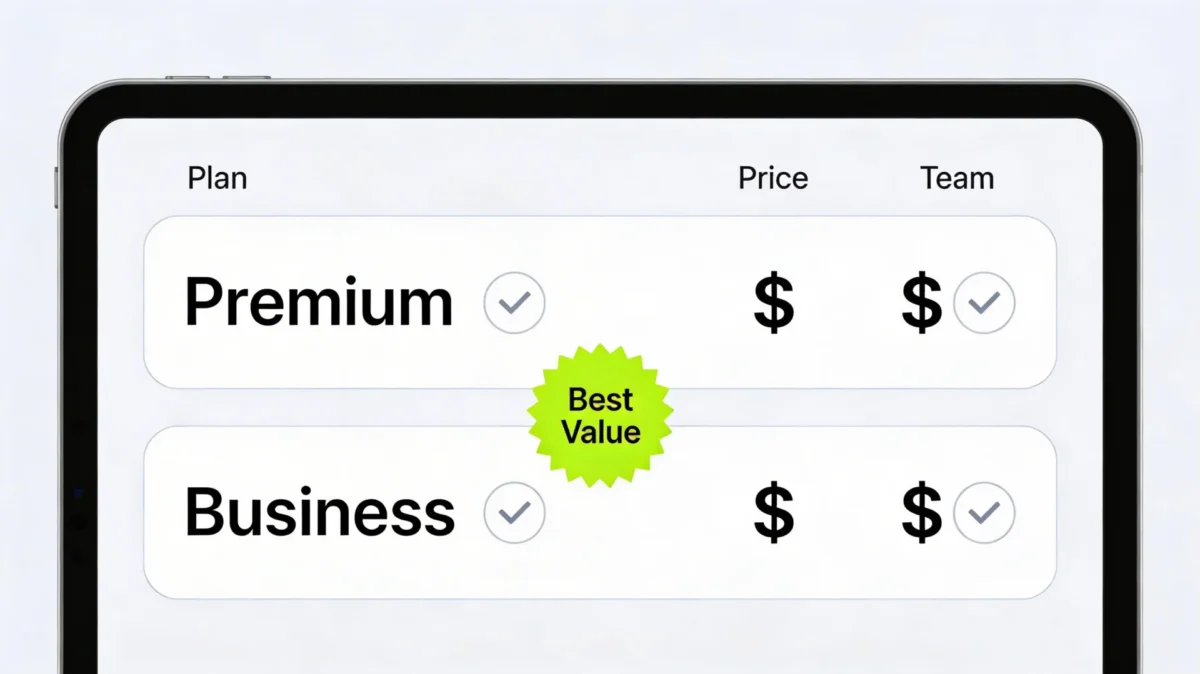
- Premium Website Builder: Best for simple sites, portfolios, and small business pages. It includes the AI builder, hosting, core design features, and basic marketing tools.
- Business Website Builder: Adds ecommerce features, higher resource limits, and more advanced tools. Better if you plan to sell products, run a small online store, or need more power.
Intro Prices vs Renewals
It is important to understand that the lowest prices are promotional. They apply for the first term only. After the first term ends, the monthly cost can jump several times higher and move closer to standard market rates.
For example, an entry plan might cost just a few dollars per month during the first 48-month term, but renew at a higher rate afterward. This is common in hosting, but you should plan for it so you are not surprised by the renewal bill when it arrives.
You also pay the full term up front. So when you see a low monthly price, remember it is spread across one, two, or four years of service paid in advance. This is fine if you are committed to your project, but you should be aware of the total cost.
One smart way to handle renewals is to think of the first term as a launch phase. During this time, you get very low prices while you build out your site, test offers, and grow your audience. By the time renewal comes around, your website should be bringing in more value than it costs. If it is not, you can adjust your plan, refine your strategy, or explore other options.
It also helps to compare the total cost of the bundle with what you would pay if you bought each part on its own. Hosting, a domain name, an SSL certificate, a separate page builder, and AI tools can add up quickly. With Hostinger, you get all of these packed into one bill. This is not only cheaper in many cases but also much easier to manage month after month.
Value for Money
Even with renewals in mind, the builder can offer strong value if you use the bundle well. You get hosting, a website builder, AI tools, and a free domain for the first year in one package. This can be cheaper and simpler than paying for all of these separately, especially when you are just getting started.
If you are building a site for a side hustle, the math can be even more attractive. A low monthly cost, spread over a long term, means your website only needs to bring in a small amount of extra income each month to pay for itself. Everything above that is profit. This lowers your risk and makes it easier to say yes and get started.
For agencies or freelancers building sites for clients, the builder can also speed up your work. You can use the AI tools to create first drafts and then spend your time on higher-value tasks, like strategy and branding. This lets you serve more clients in less time, which can increase your income without increasing your hours.
Hostinger AI Website Builder Review: Pros and Cons
Pros
- Very low starting prices for long-term plans, which make it easy to get started.
- AI website generator builds a full starter site from a simple prompt in minutes.
- Beginner-friendly drag-and-drop editor with clear mobile previews.
- Bundle includes hosting, domain (first year on many plans), SSL, and AI tools in one place.
- Good performance and uptime for small and mid-sized sites.
- Helpful support and knowledge base for new website owners.
Cons
- Renewal prices are higher than intro prices, so costs rise after the first term.
- Design flexibility is more limited than some advanced builders.
- Fewer deep integrations and advanced features for complex businesses.
- AI content can feel generic if you do not edit and personalize it.
- Not the best choice for very large ecommerce sites or highly custom web apps.
When you weigh these pros and cons, it helps to think about your timeline and your goals. If you need a site live next week and your budget is tight, the pros will likely matter more. The builder will give you a strong online presence without a steep learning curve. You can always upgrade or move to a more advanced system later if you outgrow it.
If you already know that your project will demand very complex features, you might treat Hostinger as a quick way to test your idea. You can validate demand with a simple site first. If the response is strong, you can then invest in a more custom solution, knowing your time and money are going into something that already works.
Is Hostinger AI Website Builder Worth It in 2026?
For many people, the answer is yes. If you are a small business owner, freelancer, or creator who wants an easy way to get a professional site online, Hostinger AI Website Builder is a smart option. It combines low starting costs, built-in AI tools, and simple controls in one place that feels manageable, even if you are not tech-savvy.
You can go from idea to live website in a day, even if you have never built a site before. The AI handles the hard parts, and you can adjust the details to match your brand. This can help you start booking clients or selling products sooner instead of getting stuck in tech and design.
Another key question is how much your time is worth. If you spend weeks fighting with a complicated system, that is time you could have used to talk to customers, improve your product, or launch marketing campaigns. With an AI-powered builder, you shift your focus from “How do I build this?” to “What do I want this website to do for my business?” That change in focus can speed up your entire growth path.
Even if you plan to hire a professional later, starting with Hostinger can give you a working site right now. You can gather feedback, test offers, and learn what your audience responds to. When you are ready to invest in a larger build, you will bring real data and proven content to the table. This makes every later decision stronger and more confident.
If you know you will need very advanced features, lots of custom integrations, or a huge store, you may want to look at more flexible platforms from day one. But if your main goal is a simple, effective, and fast website with strong AI support, Hostinger AI Website Builder is worth serious consideration in 2026.
A smart way to decide is to sign up, let the AI build a first version of your site, and spend an hour editing it. If you like the result and feel in control, this builder will likely be a great fit for you. If not, you have still learned a lot about what you want and can use that knowledge to choose your next platform.